
3D PRINTERS
The Library owns two 3D printers, an Original Prusa i3 MK3S+ and Bambu Lab X1E . We have a variety of PLA plastic filament colors to select from. Please discuss your project and printing needs with staff. Effective January 14, 2026, users do not have to be present to have an object printed. Designated library staff will print submitted files after consultation. Designs estimated to cost more than $3.00 (20 grams or more) must be paid in advance.
Please review the TMS Toolshed policy HERE.
Please print and sign the 3D Printer User Form HERE.
PLA filament is not free. We currently charge 15 cents per gram with a $1.00 minimum charge per print. 3D slicer programs will provide an estimate of the object weight. Printed objects will be weighed with a postage scale.
We highly recommend you preview and set the print settings in advance using PrusaSlicer, which is a free download. All 3D prints will need to be exported in a gcode format for the Prusa i3 MK3S+. We do have PrusaSlicer installed on several computers in the library, but having your file prepared in advance will get you printing sooner!
Design Tools
There are a wide variety of free and commercial software packages and/or browser based tools that can be used to create a 3D design. Library staff and volunteers are most familiar with TinkerCad which is owned by Autodesk.
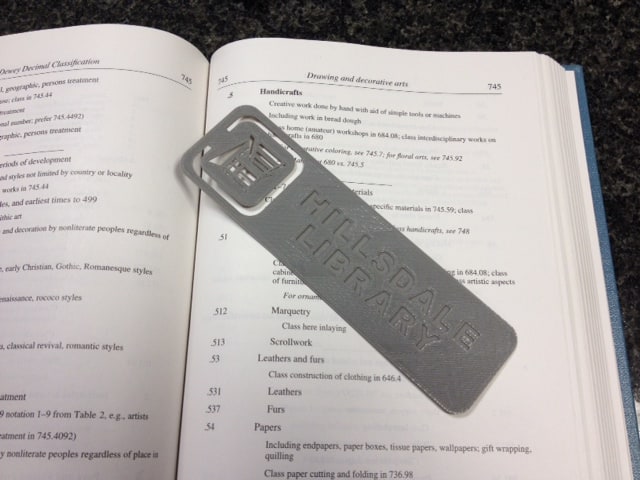
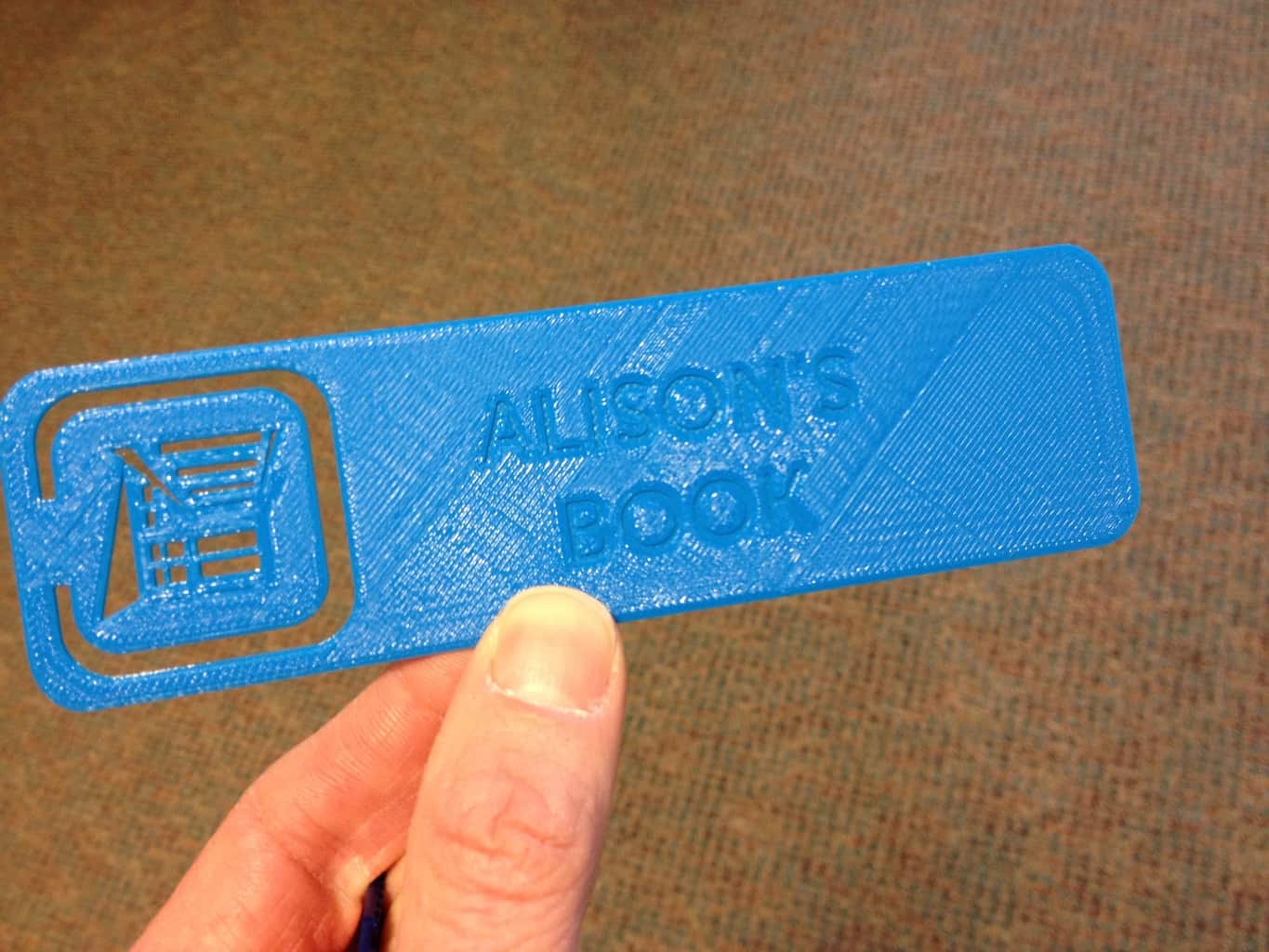
Inkscape is an opensource program used to create graphics. Inkscape is installed on all of our public computers. It is comparable to Adobe Illustrator. The 2D scalable vector graphic (SVG) files may be imported into TinkerCad and manipulated. We created our 3D printed bookmark design using this workflow.
Designs
If you want to see the great variety of potential uses for a 3D printer look no further than the public design repository of Thingiverse.com. Owned by MakerBot, Thingiverse permits users to download designs created by others under a creative commons license.
- Thingiverse.com
- Makerworld.com
- printables.com
- Tinker with the Hillsdale Library Bookmark Blank (Dave’s design!)
Tutorials
You will find great tutorials on the internet. Below are some of the the ones we found most helpful. You are encouraged to explore on your own by checking the help, FAQ, and wiki’s for each program or product. Often times you will find great videos on YouTube created by enthusiasts.
- Bambu Lab Tutorials for Bambu Studio (YouTube)
Again, TinkerCad is fantastic for beginners. There are built-in tutorials that will instruct you step-by-step. Start your quests here.
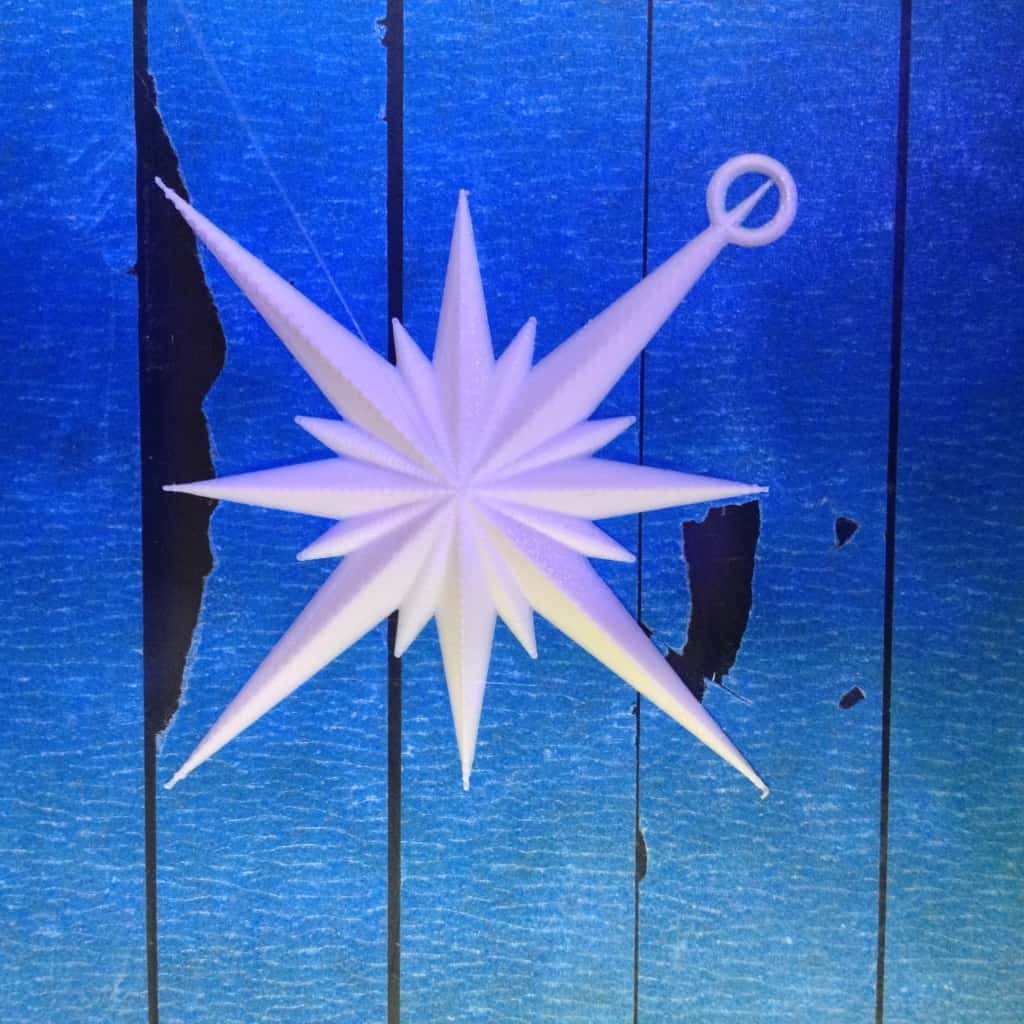
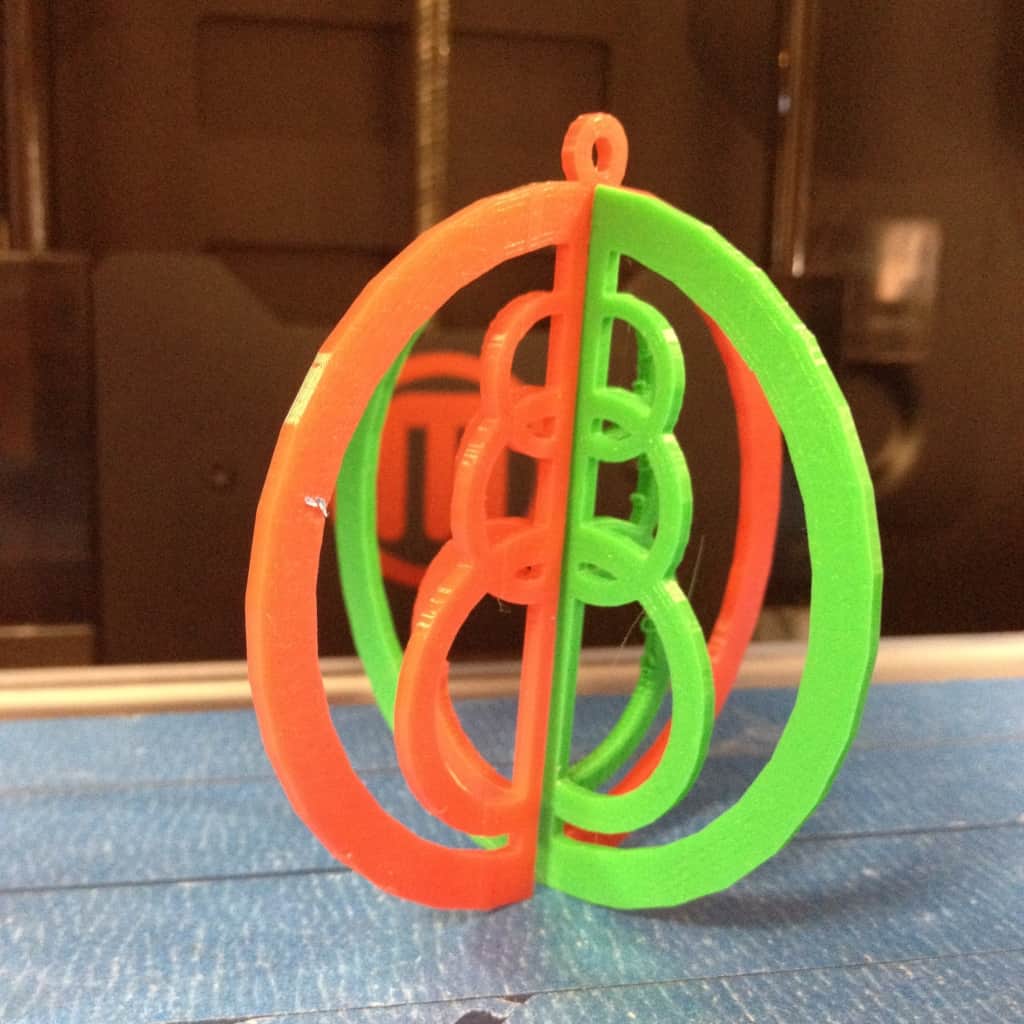
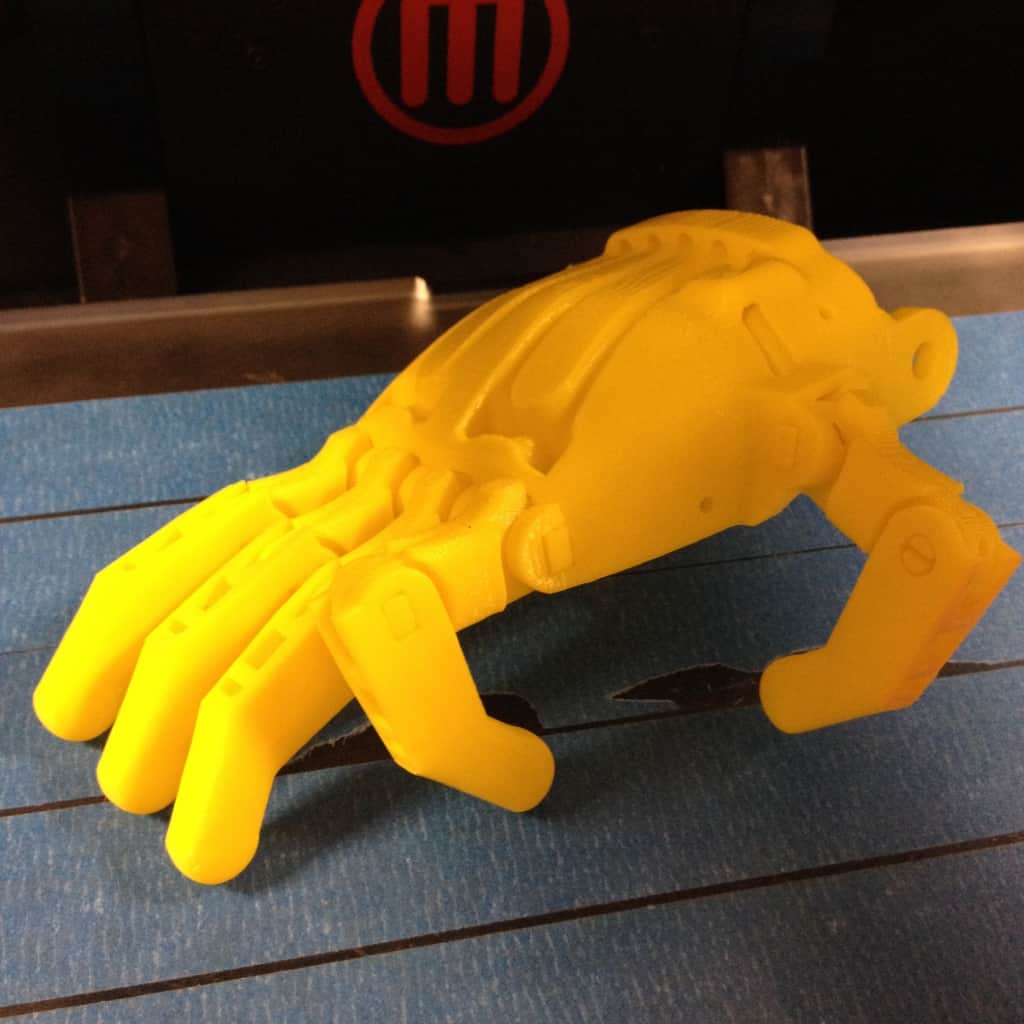
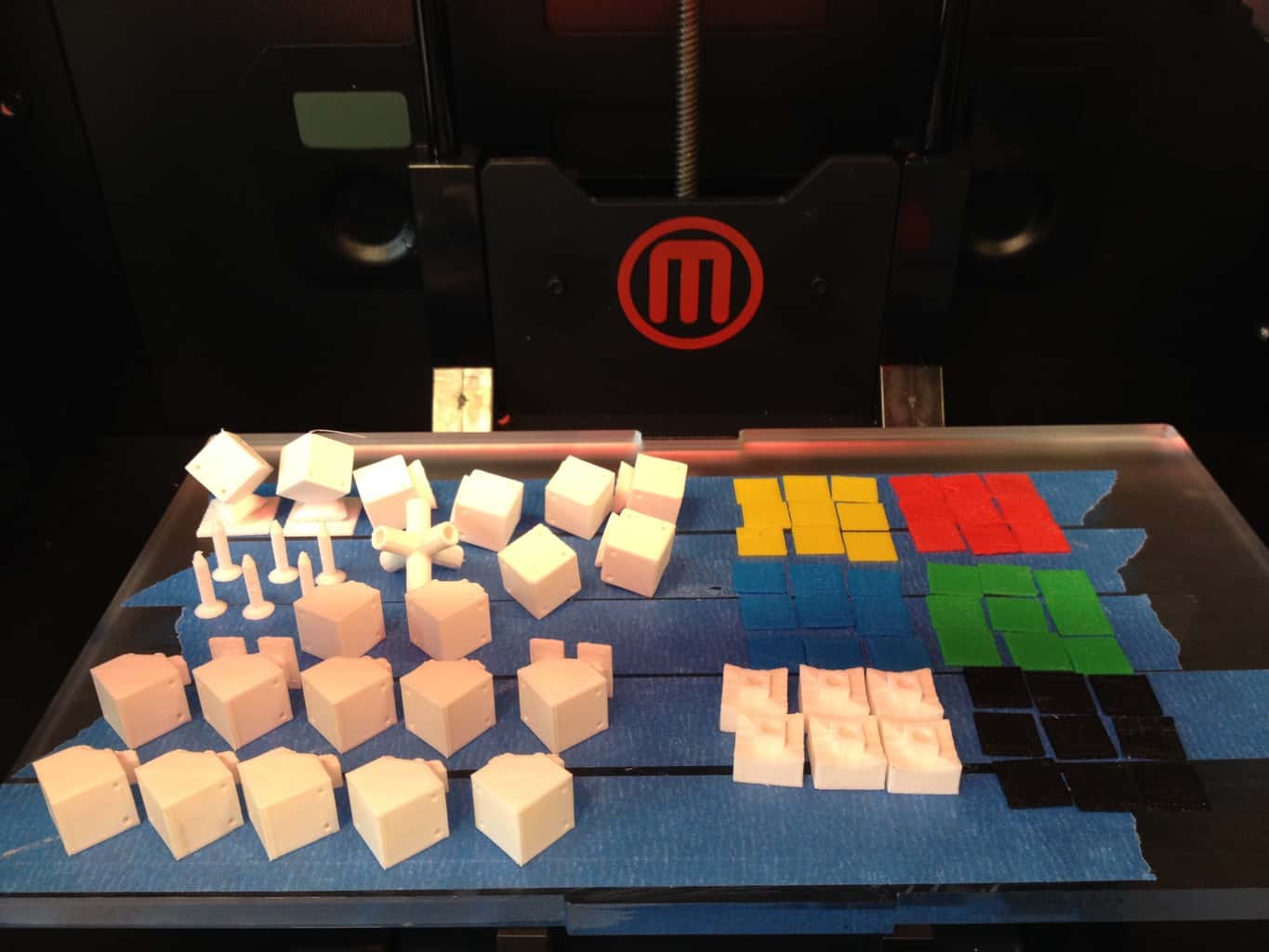
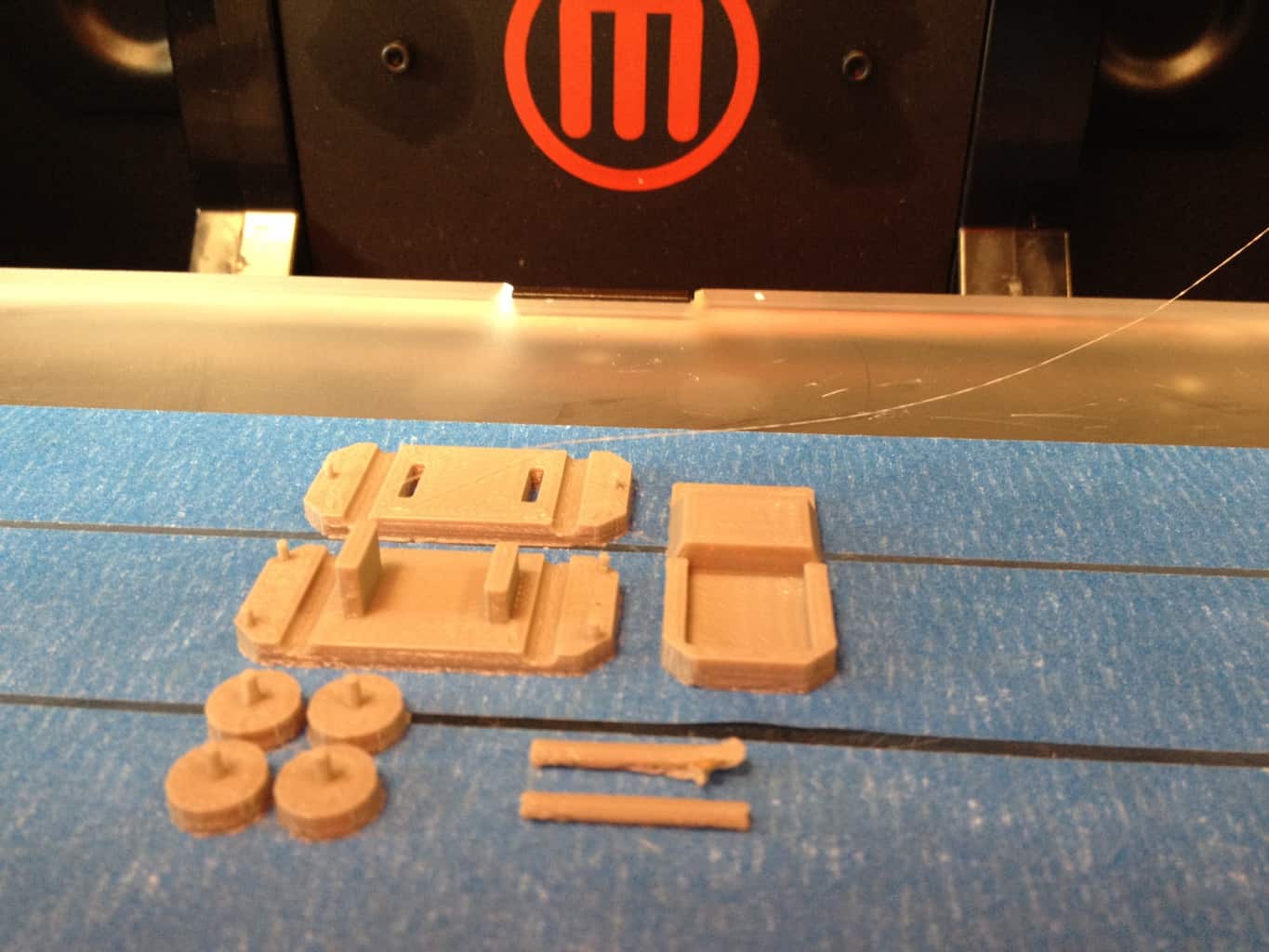
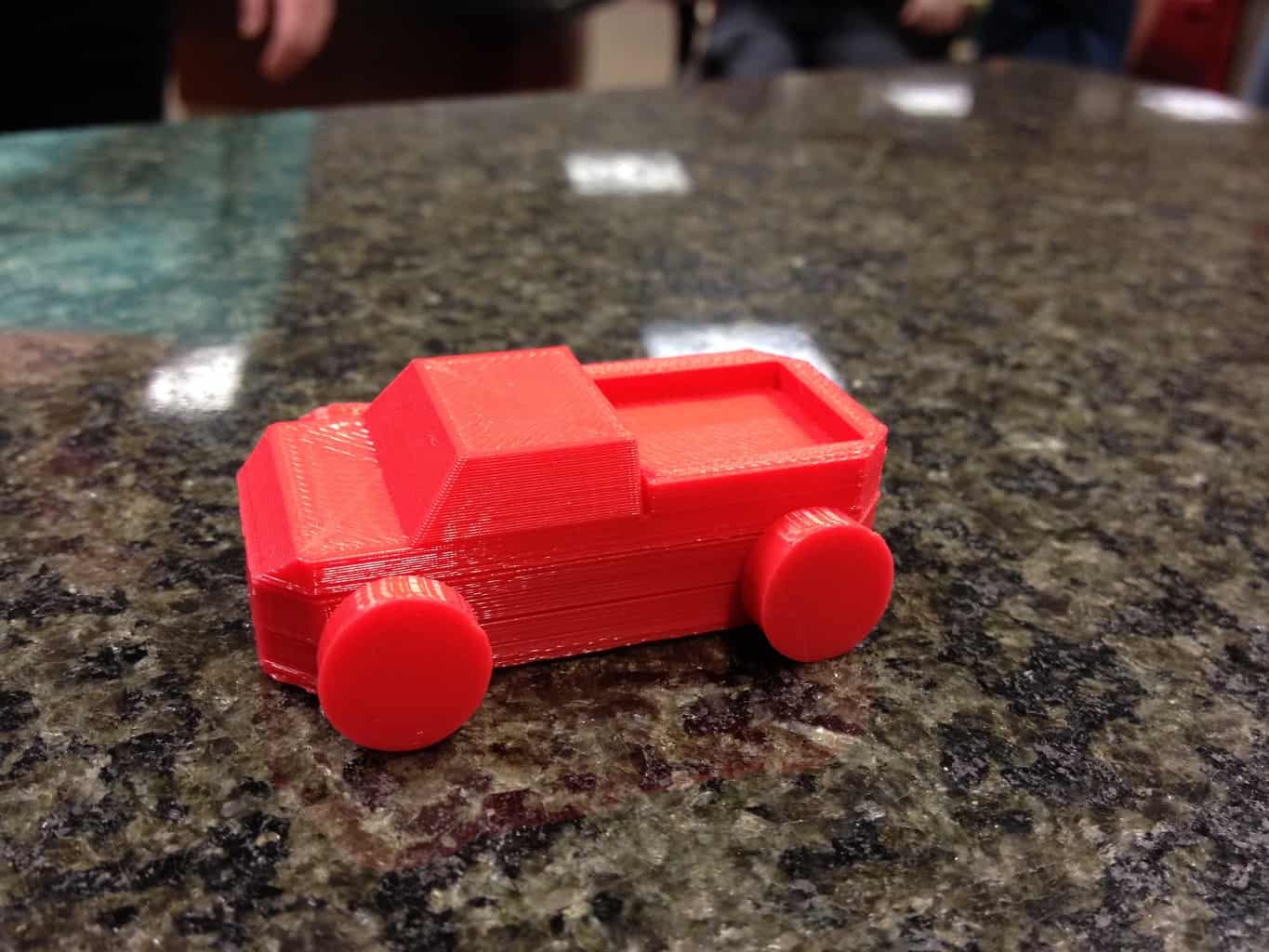
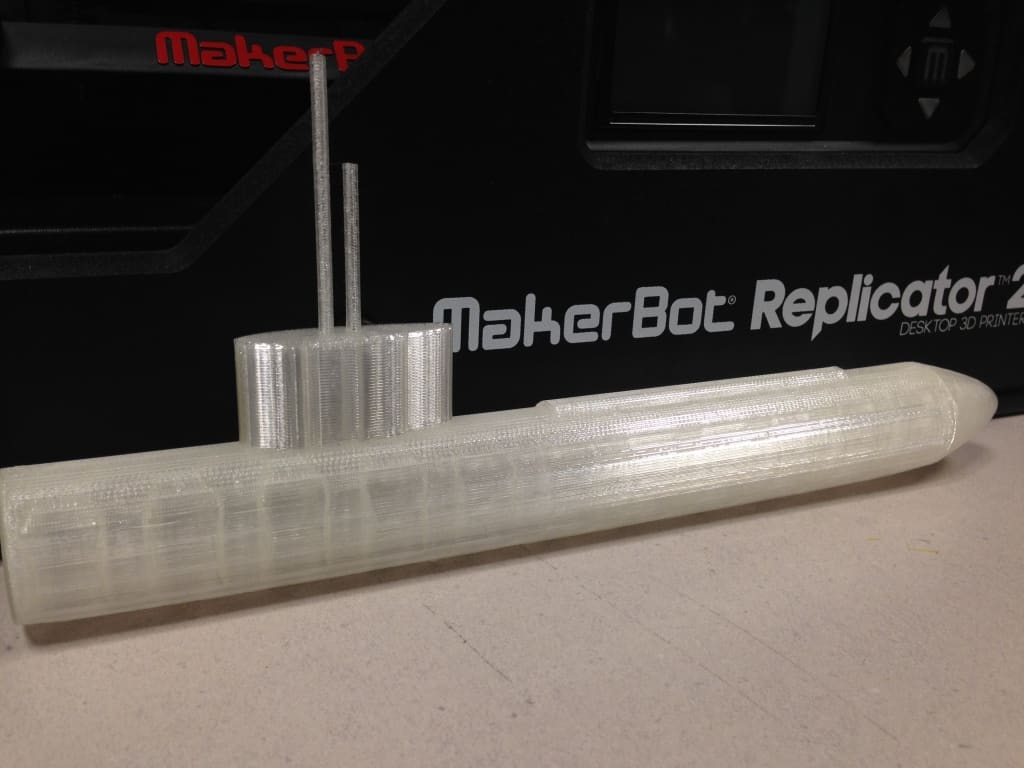
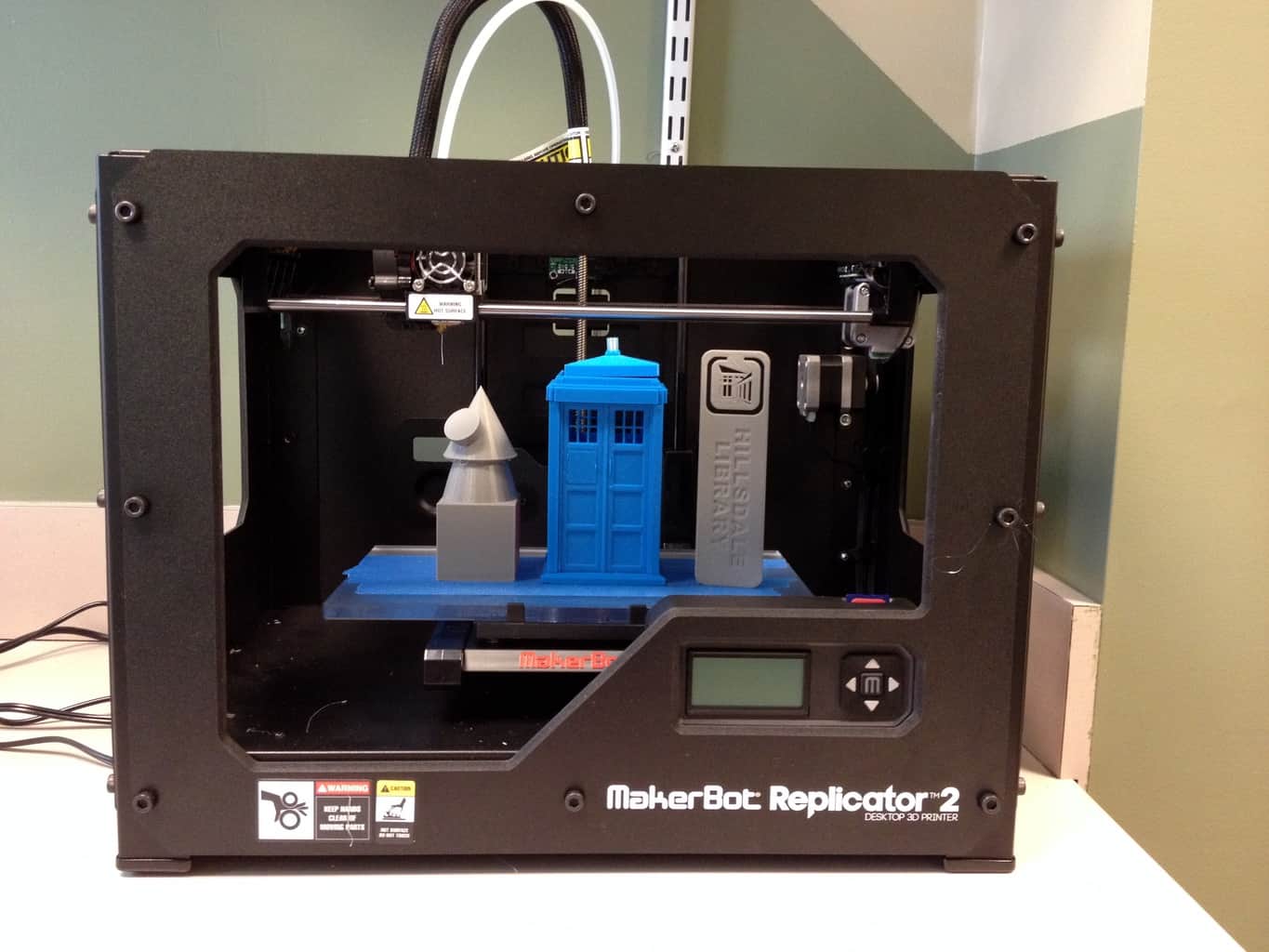
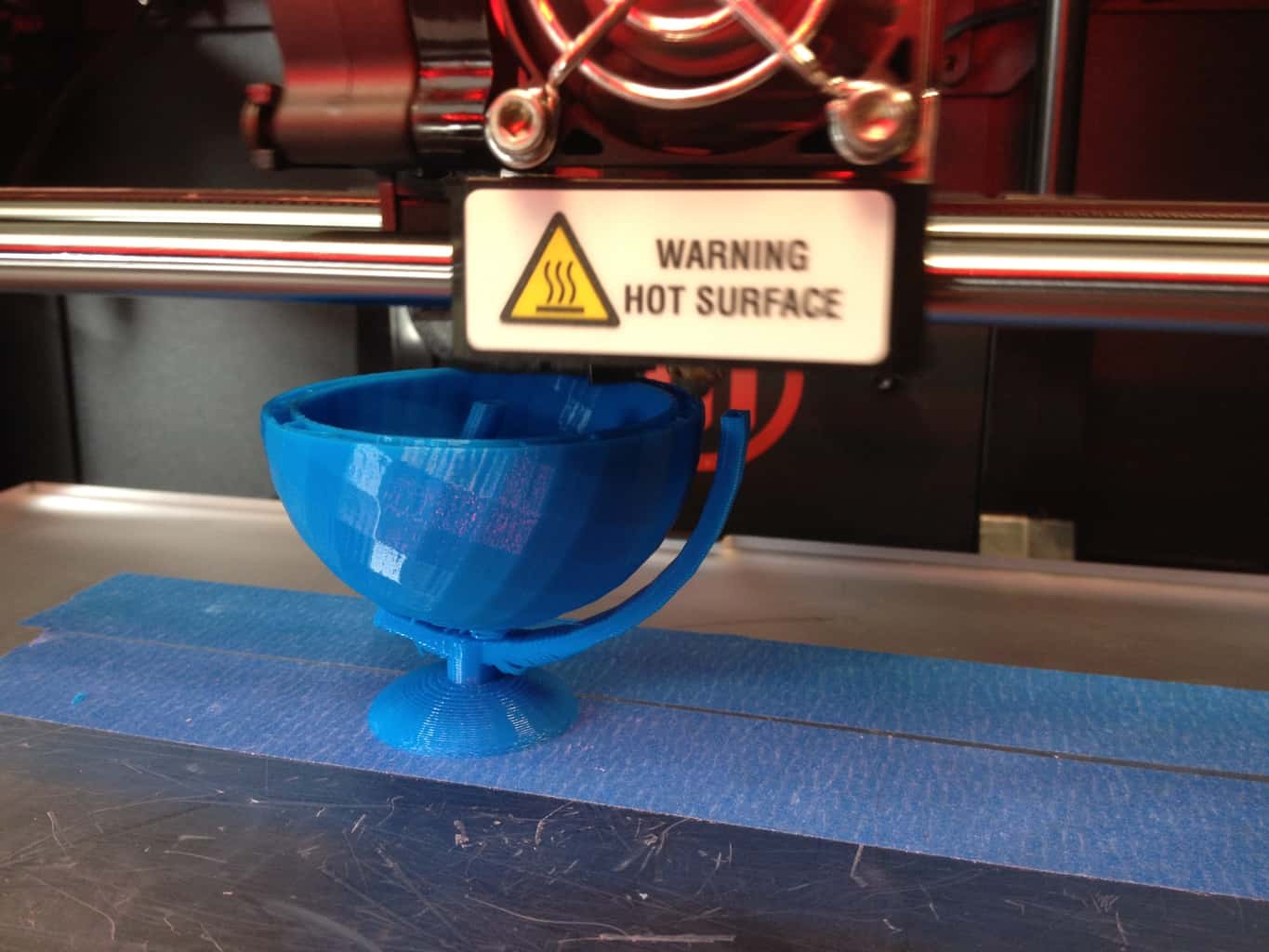
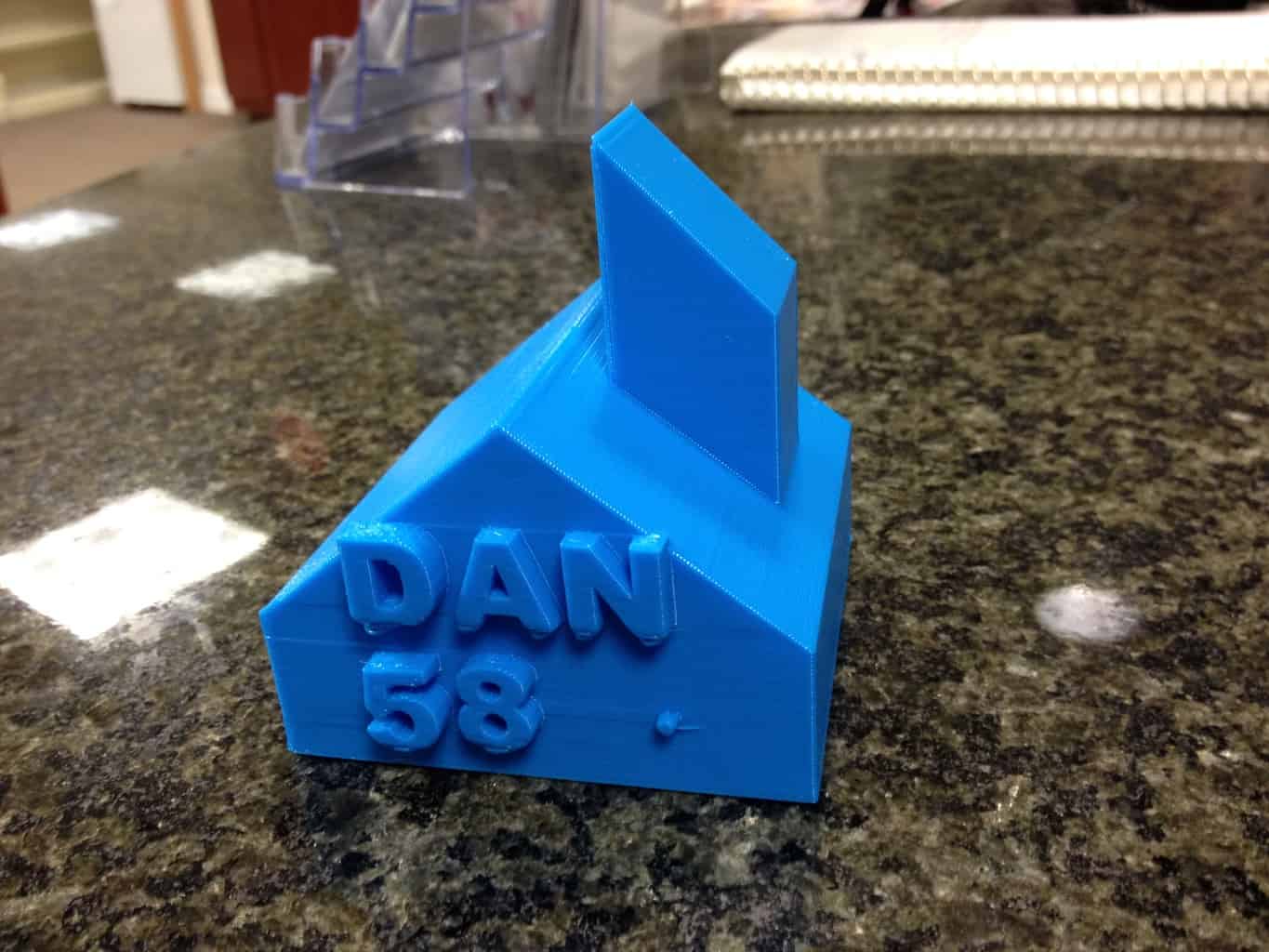
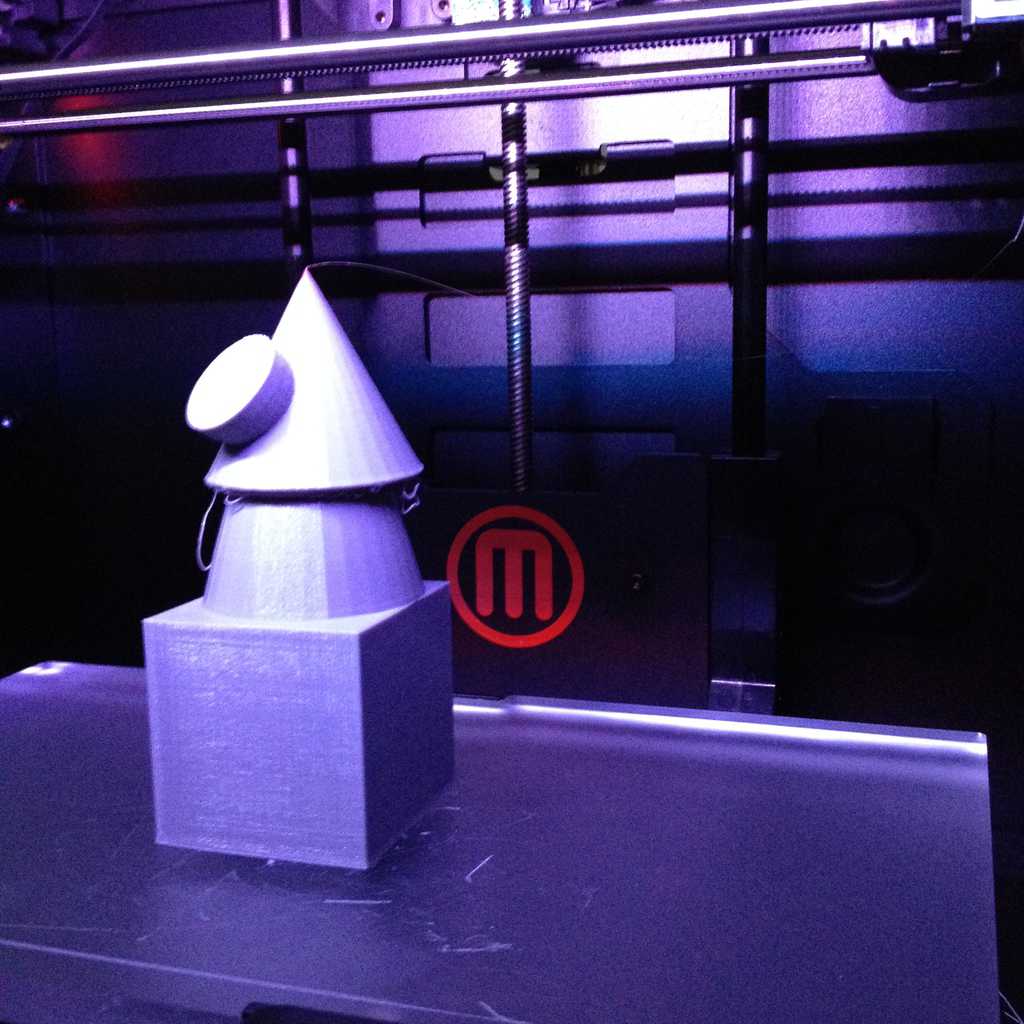
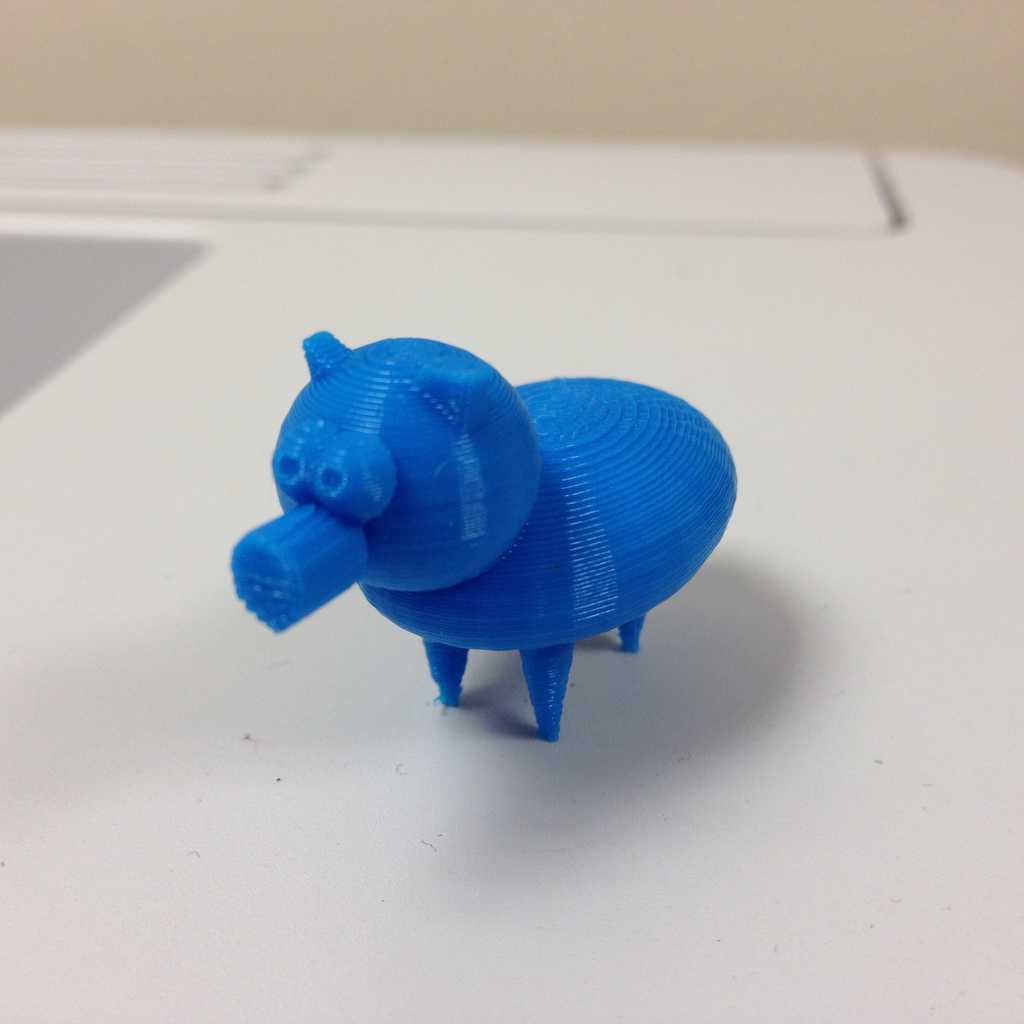
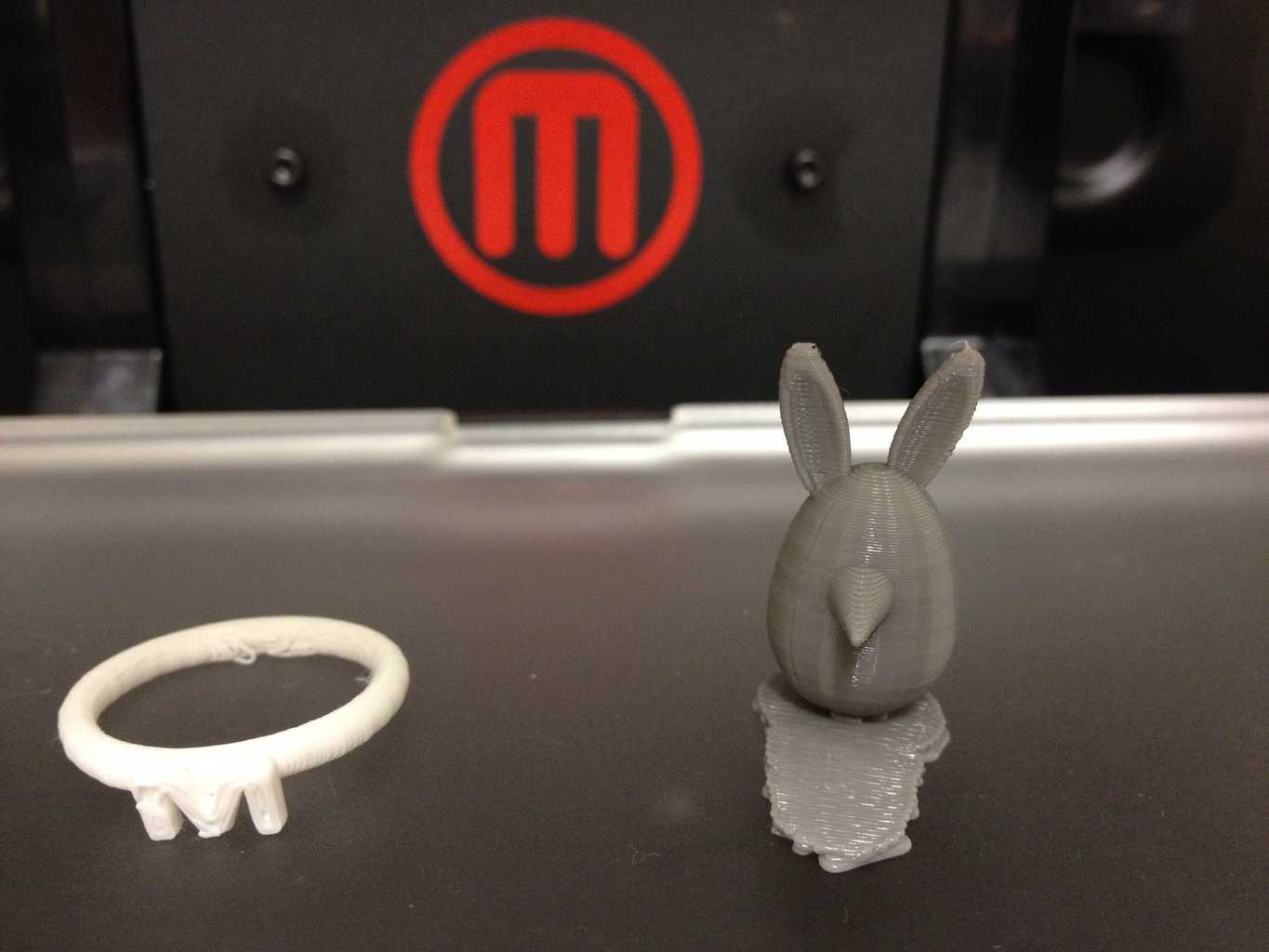
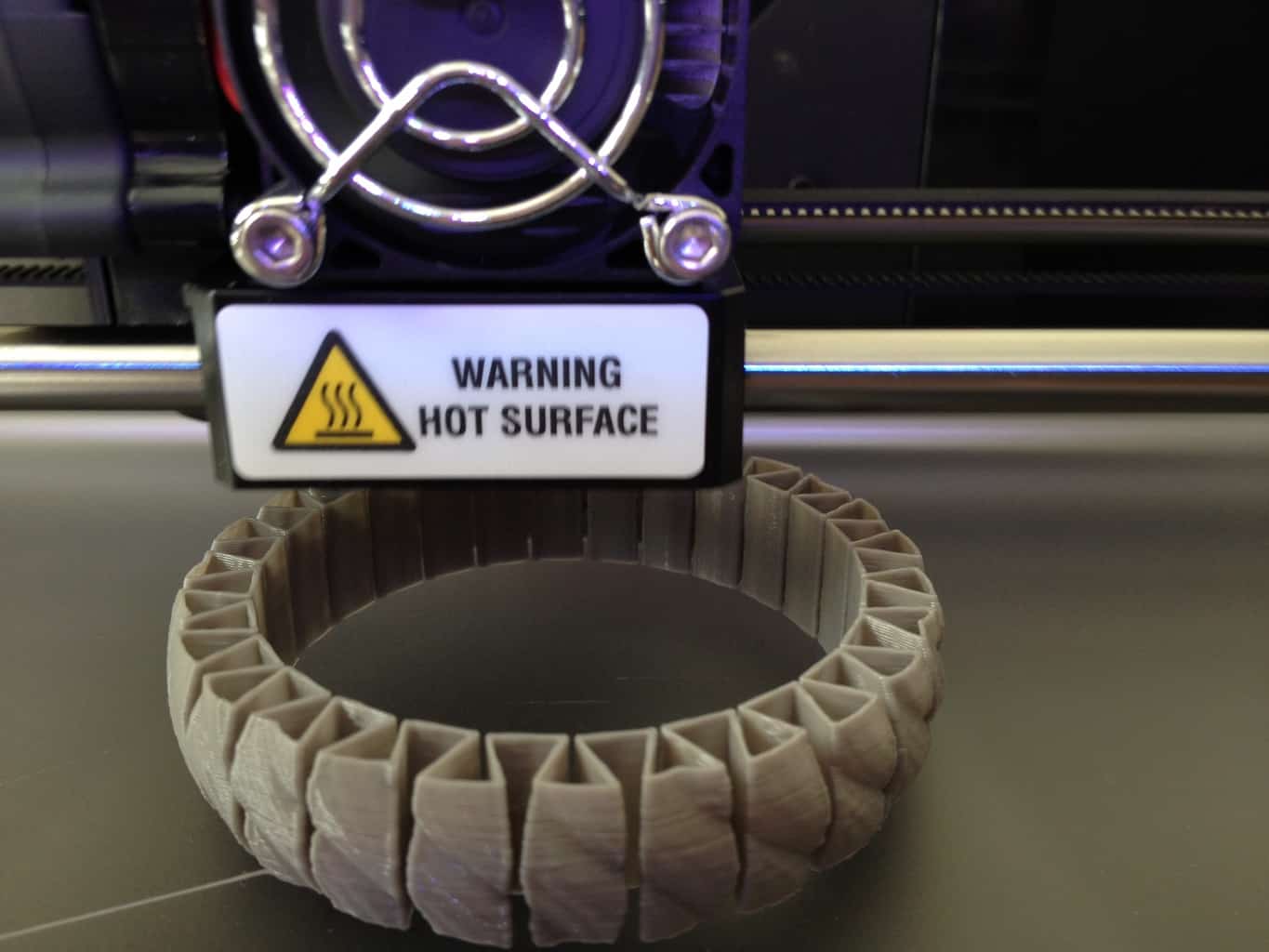
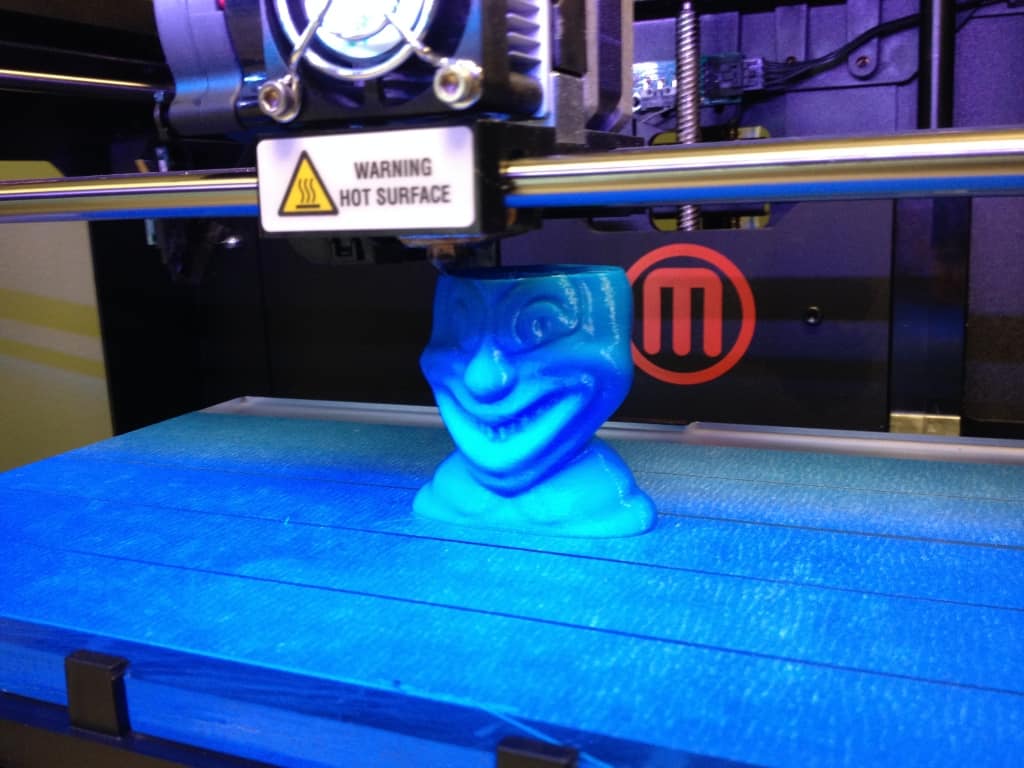
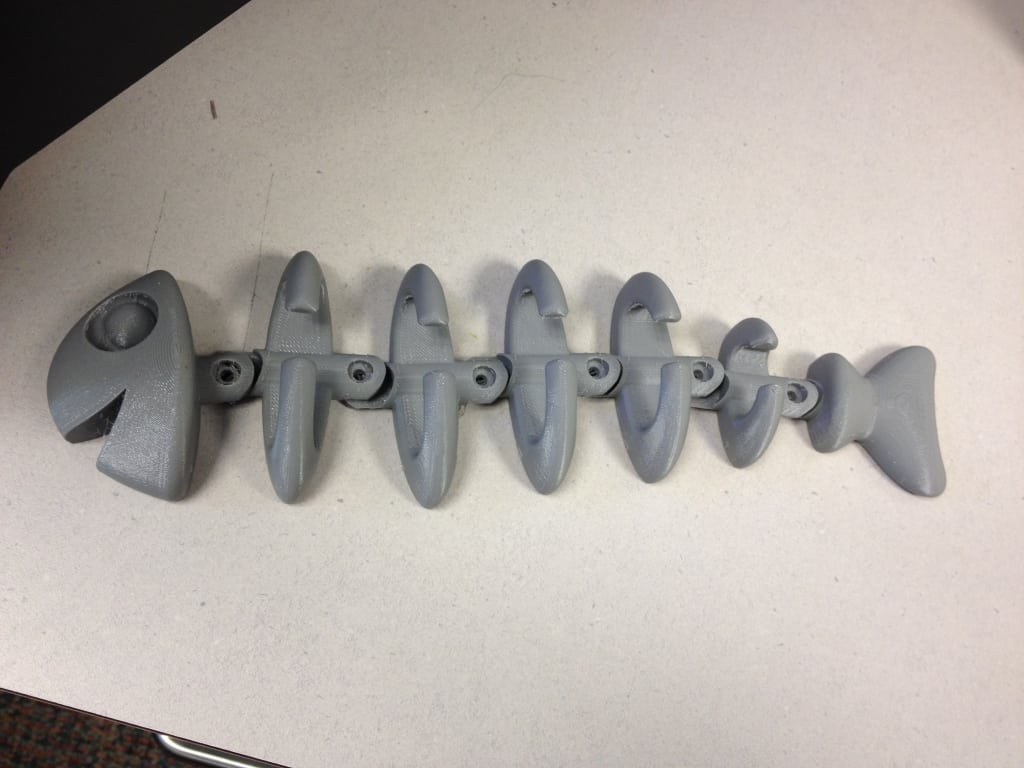
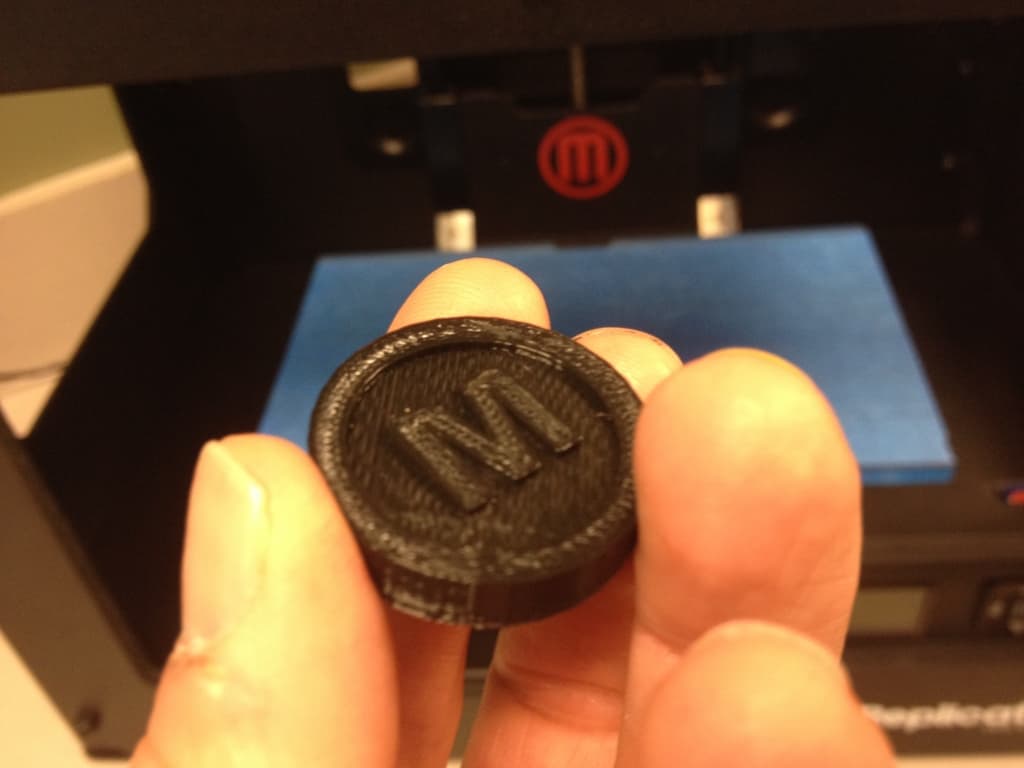
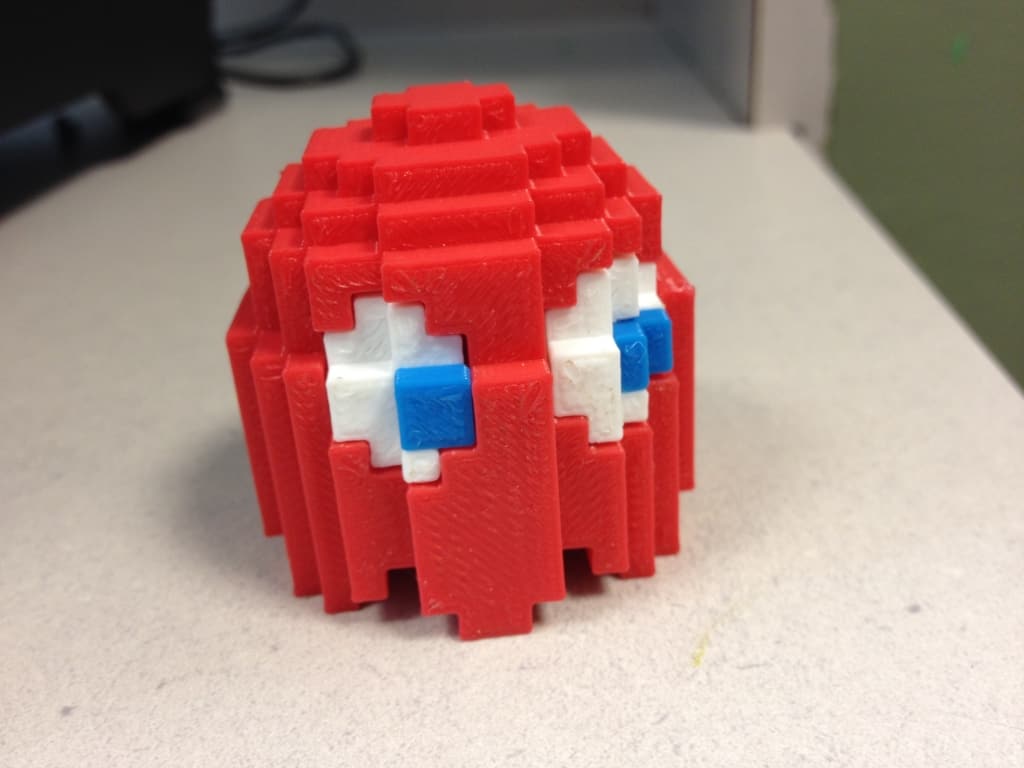
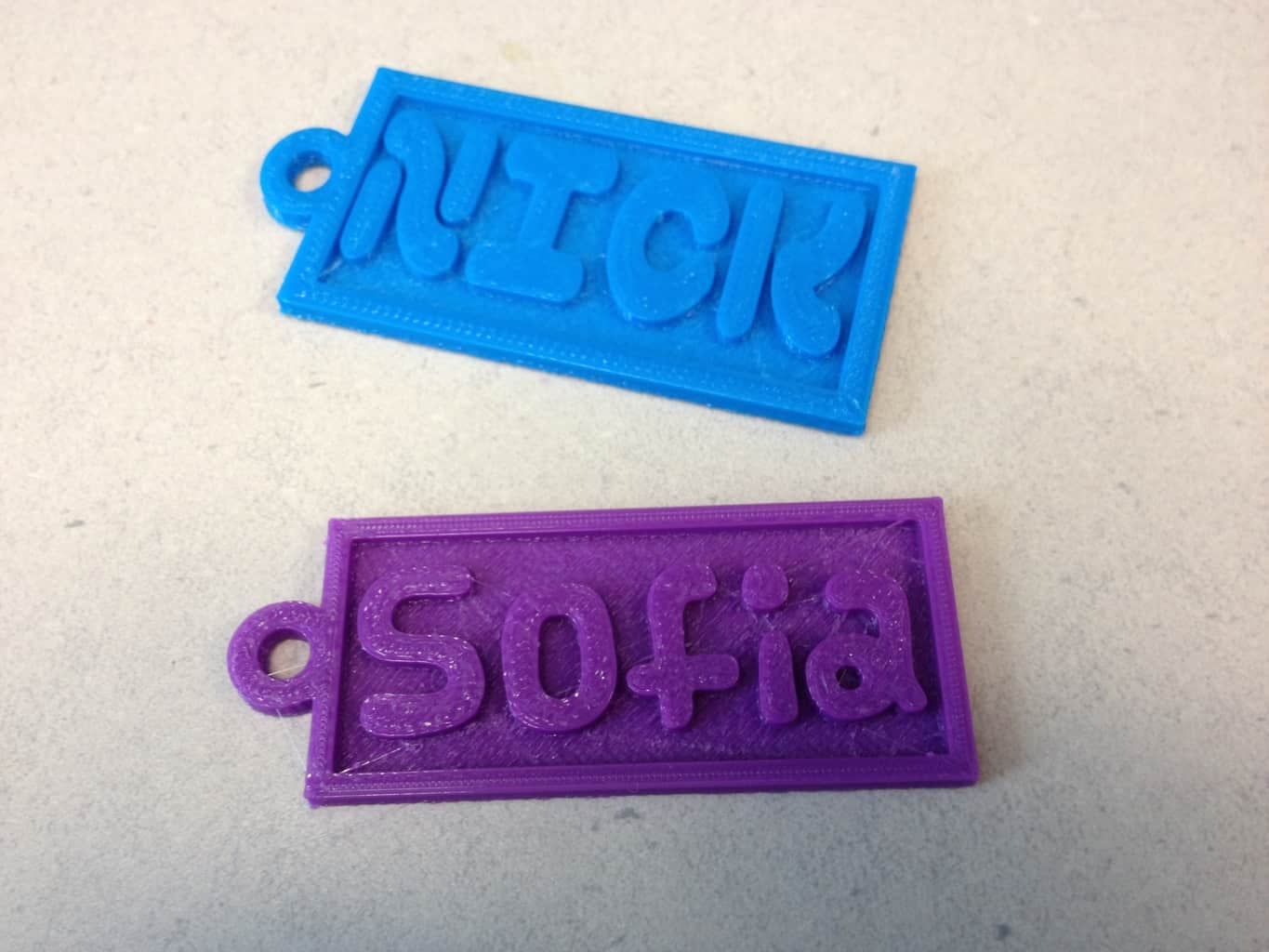
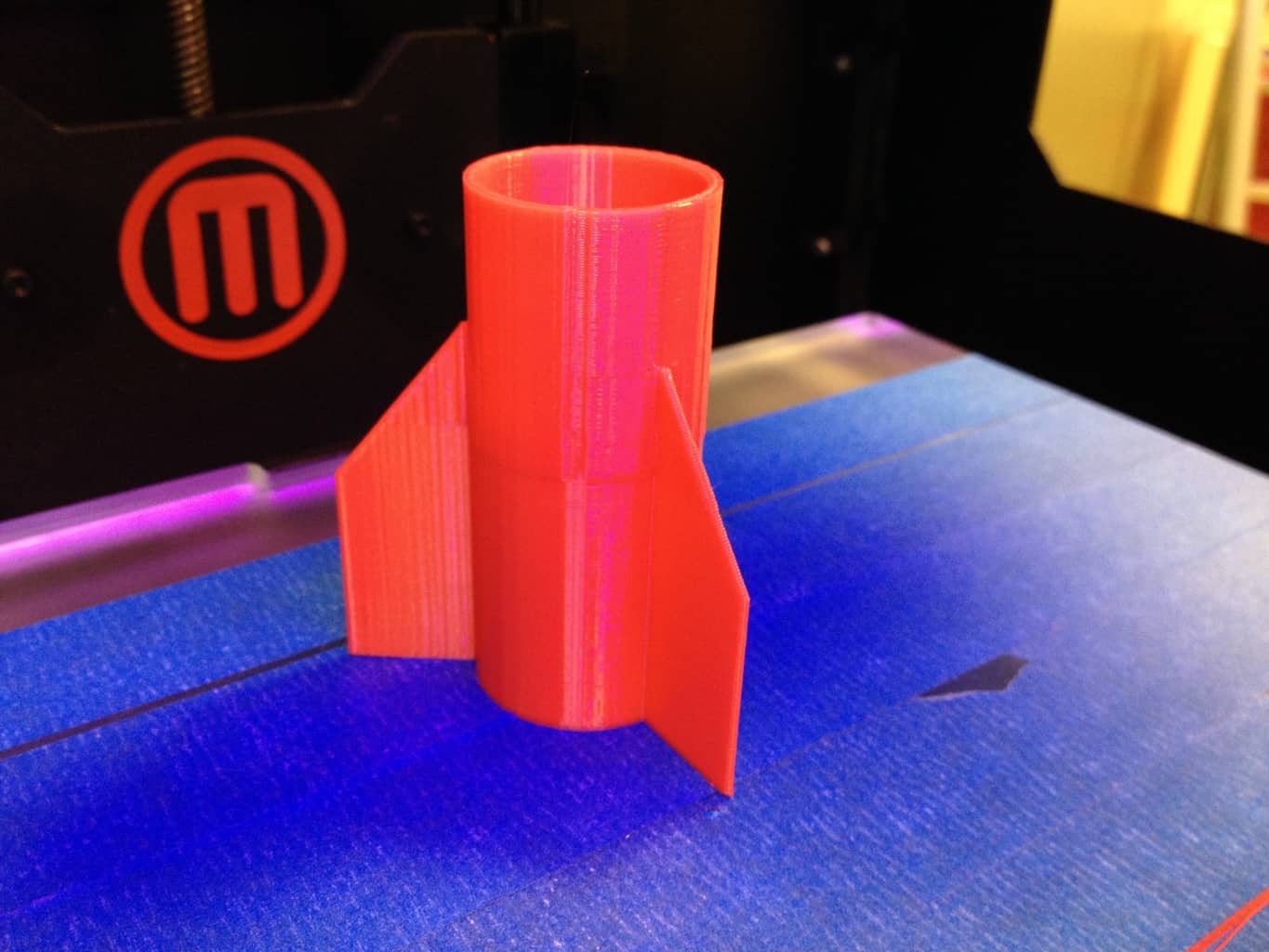
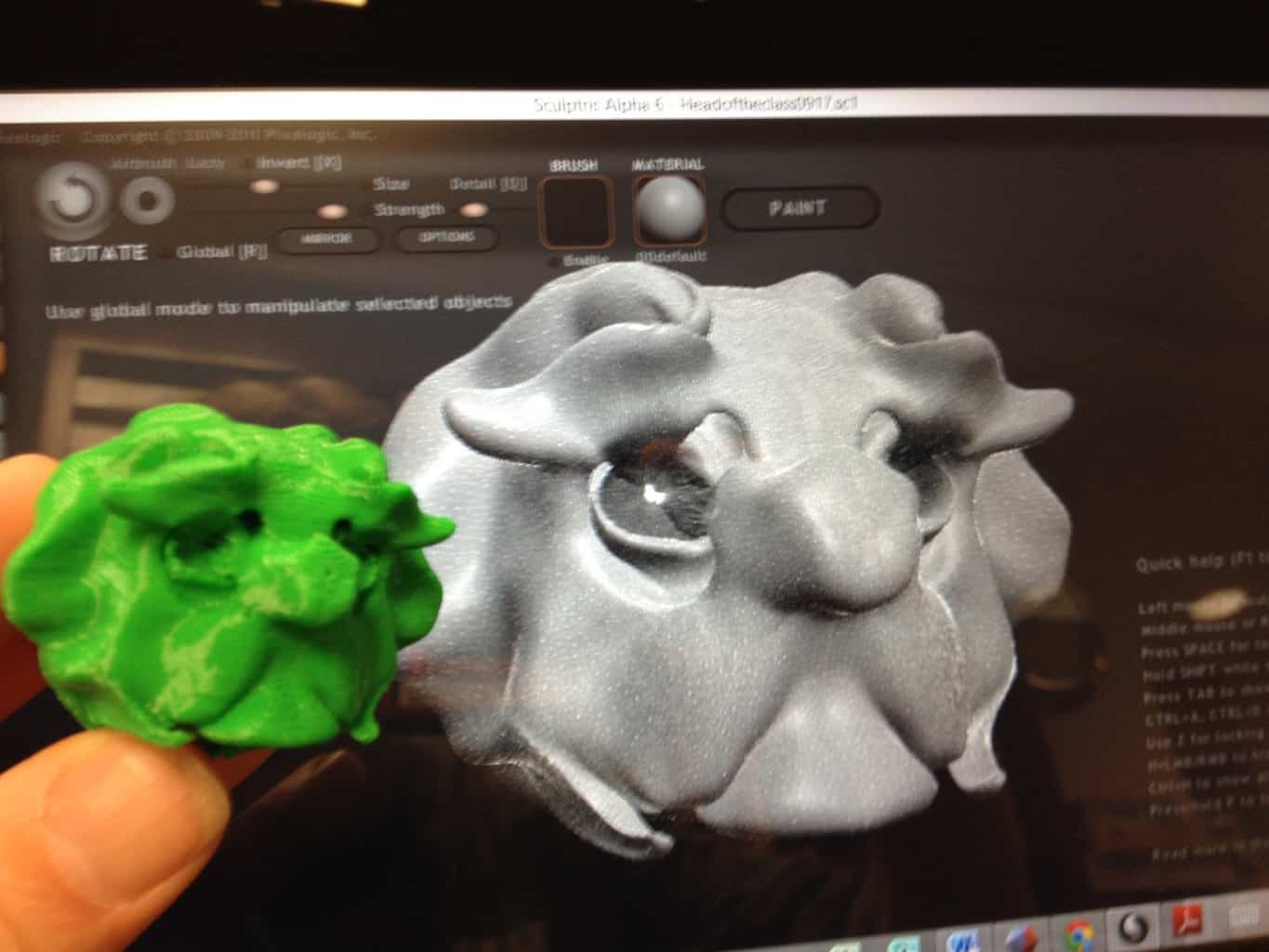
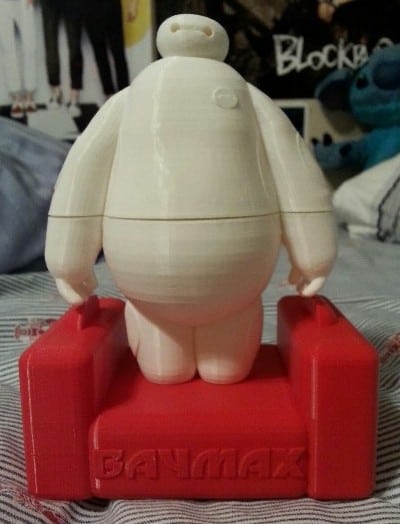
3D Print Gallery
You must be logged in to post a comment.