Embroidery Machine
Learn to use the Brother PE-770 embroidery machine in the Hillsdale Library’s TMS Toolshed.
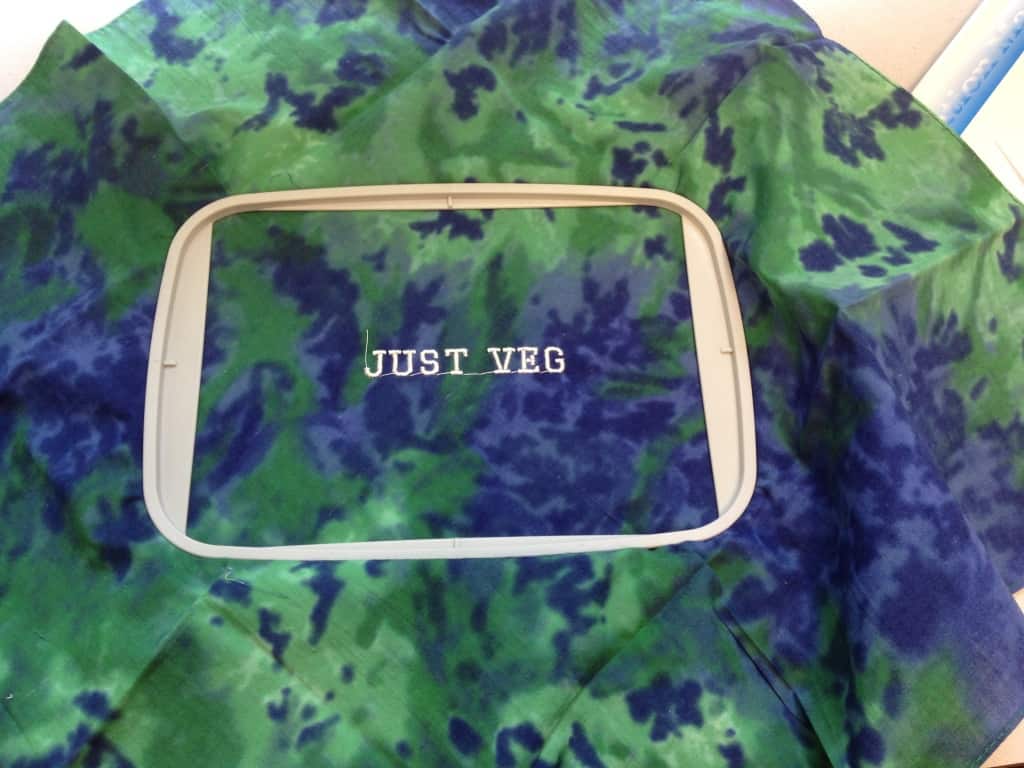
We have more than 60 different colors threads, and if your embroidery project is text-only, the Brother PE-770 has six built-in fonts.
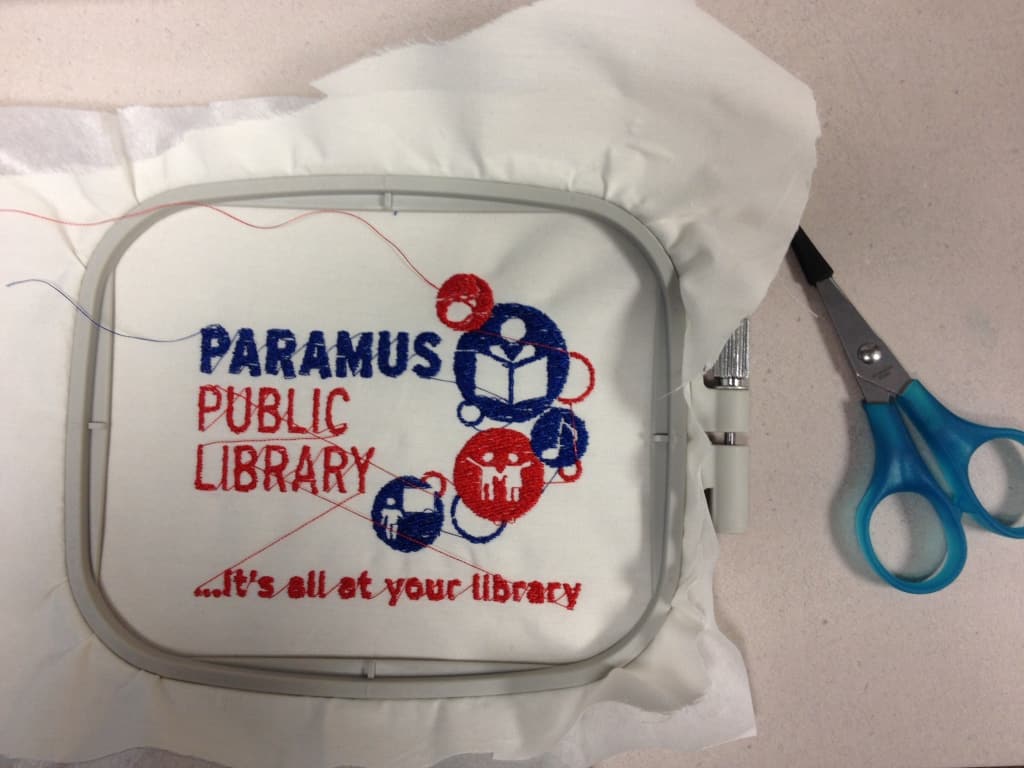
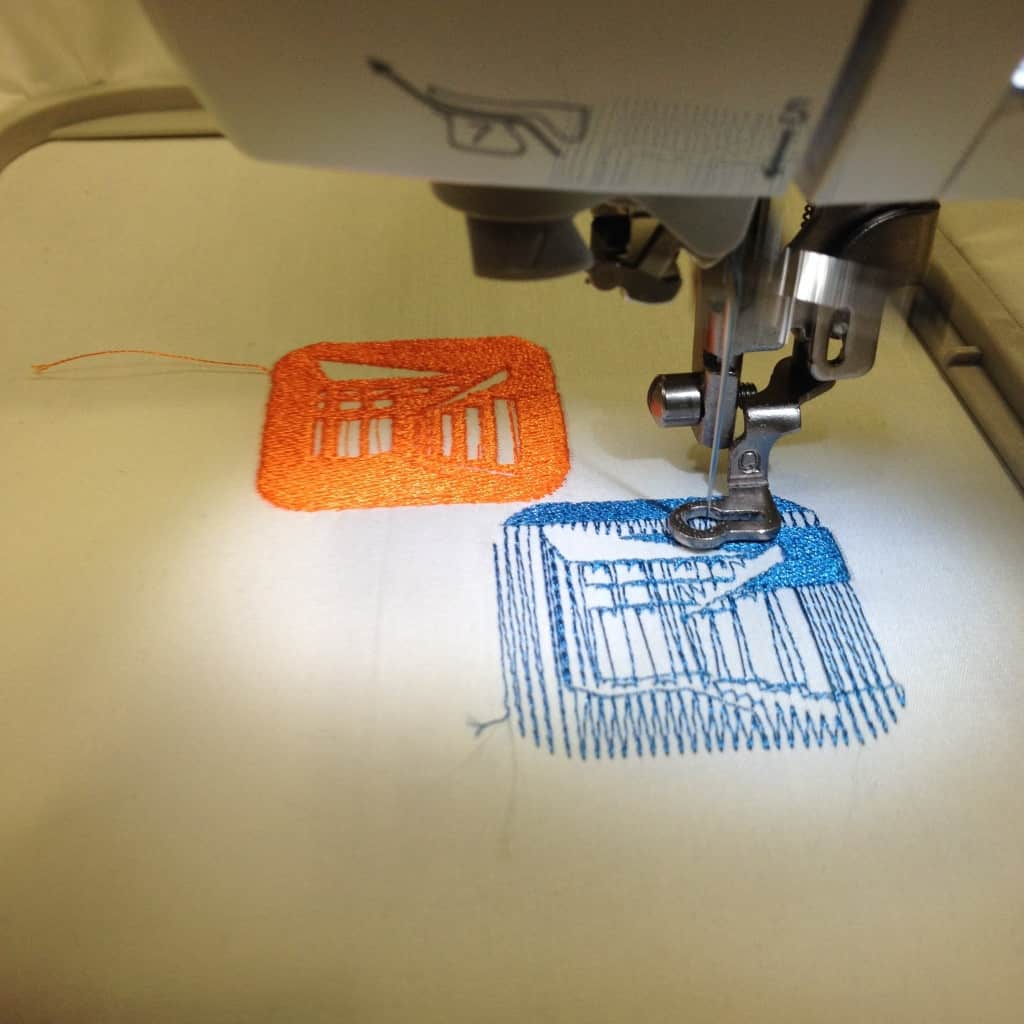
More elaborate embroidery projects are possible too. The machine accepts embroidery files in the .pes format. Design files can be transferred to a USB thumb drive for use by the embroidery machine.
You can find ready-to-use designs on ibroidery.com or design your own. The Inkstitch extension for Inkscape can be used to create your own .pes files. Many wonderful tutorials are available on YouTube.
Users must receive training from a qualified staff member prior to scheduling time for projects. Contact Dave at [email protected] or 201-358-5072 to make an appointment.
Useful links:
- Brother PE-770 user manual (pdf)
- ibroidery.com – ready-to-use designs for download
- Inkstitch.org (Inkstitch YouTube channel) – an open-source machine embroidery design platform based on Inkscape
- Inkscape.org – an open-source vector graphics editor
- urbanthreads.com and embroidery library – more embroidery projects and inspiration
Users of Hillsdale Free Public Library TMS Toolshed tools must review and adhere to the use policies outlined on the TMS Toolshed webpage as well as any additional tool-specific guidelines that may appear on the tool’s webpage.
Gallery of sample embroidery projects: