
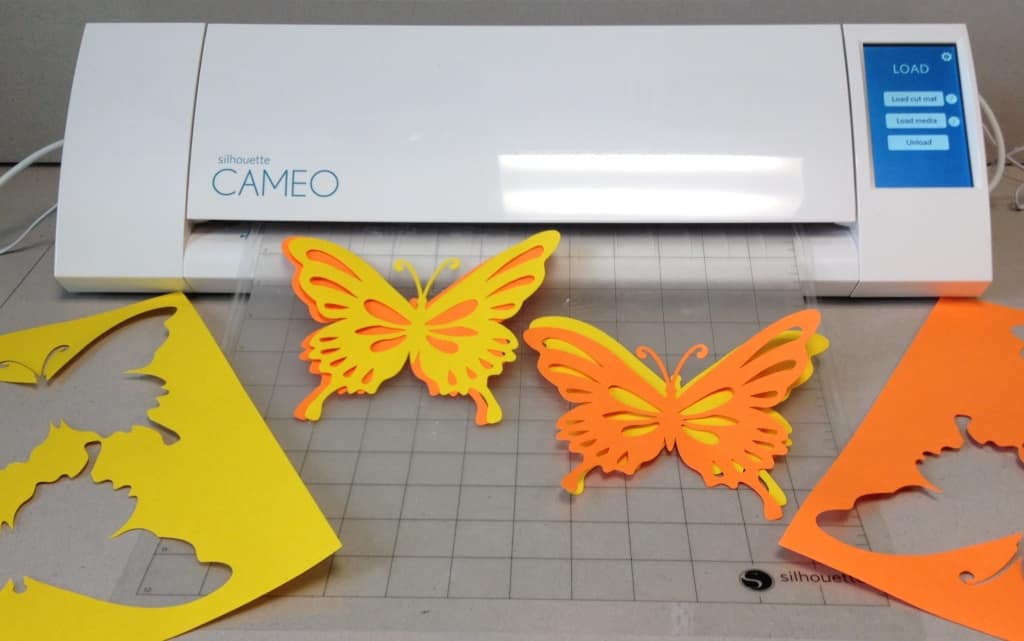
Paper/Vinyl Cutter
This Hillsdale Free Public Library owns a Silhouette Cameo cutting machine can be used to cut paper, cardstock, fabric, and vinyl.
The cutting machine can be used for such projects as:
- Creating a thank you card
- Designing a 3D paper object
- Cutting out a stencil for airbrush or spray paint
- Cutting out a stencil for bleaching fabric
- Cutting out fabric shapes for a quilt
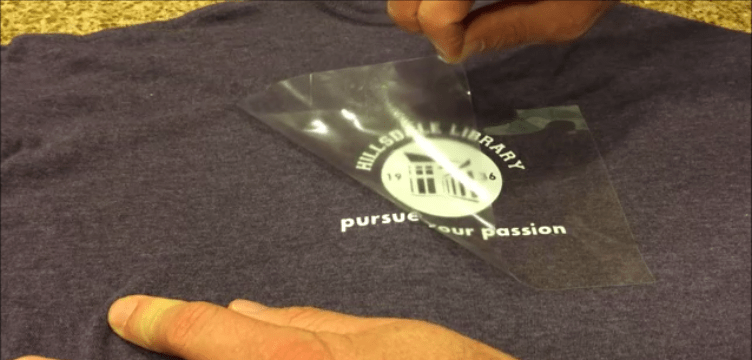
- Using iron-on vinyl to make a custom t-shirt design
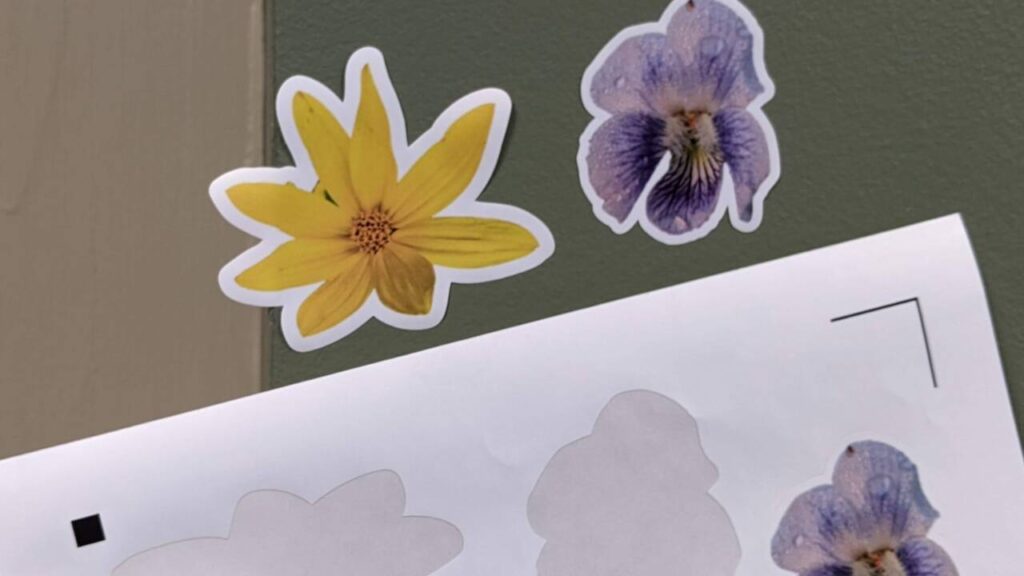
- Using vinyl sticker sheets to create custom stickers

Use guidelines:
- Users must receive training from a qualified staff member prior to scheduling time for projects. Contact Dave at dave@hfpl.org or 201-358-5072 to make an appointment.
- The Silhouette Cameo cutting machine uses Silhouette Studio software, available for free download from Silhouette America. The software is also installed on our public computers. Studio files can be transferred to the cutter via USB stick or via the iMac in the TMS Toolshed.
- Training videos and design ideas are available at the Silhouette America website.
Costs/materials for sale:
Bring your own materials or purchase from our supply.
- Vinyl sticker sheet – $1.00 each (includes color print cost of 25 cents)
- Heat transfer vinyl – 3 cents per square inch (about $2.50 for the Hillsdale T-shirt pictured below)
Gallery of sample projects:

This tool was purchased with funding from the Paskack Junior Woman’s Club.
Users of Hillsdale Free Public Library TMS Toolshed tools must review and adhere to the use policies outlined on the TMS Toolshed webpage as well as any additional tool-specific guidelines that may appear on the tool’s webpage.
You must be logged in to post a comment.